Software developers: prepare your Builderswave launch and turn feedback into useful progress
Your application works. You have fixed the most obvious bugs and shared a link with a few people you know. But how can you tell whether people understand it, whether it reaches the right audience and which improvement should come next? A public launch can help you explore these questions.
On Builderswave, product listings sit alongside builder profiles and community launches. For a developer, this is an opportunity to present tangible work. For an entrepreneur, it can start conversations, reveal usage patterns and collect feedback. Both goals need preparation.
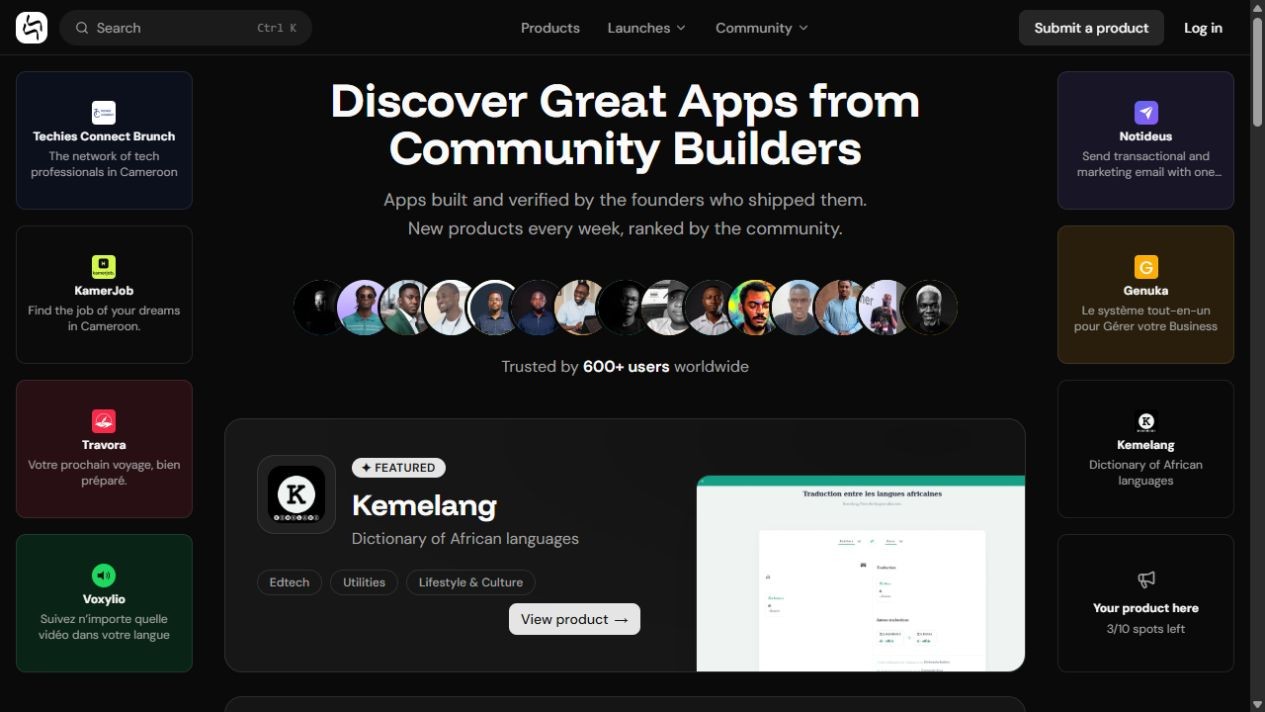
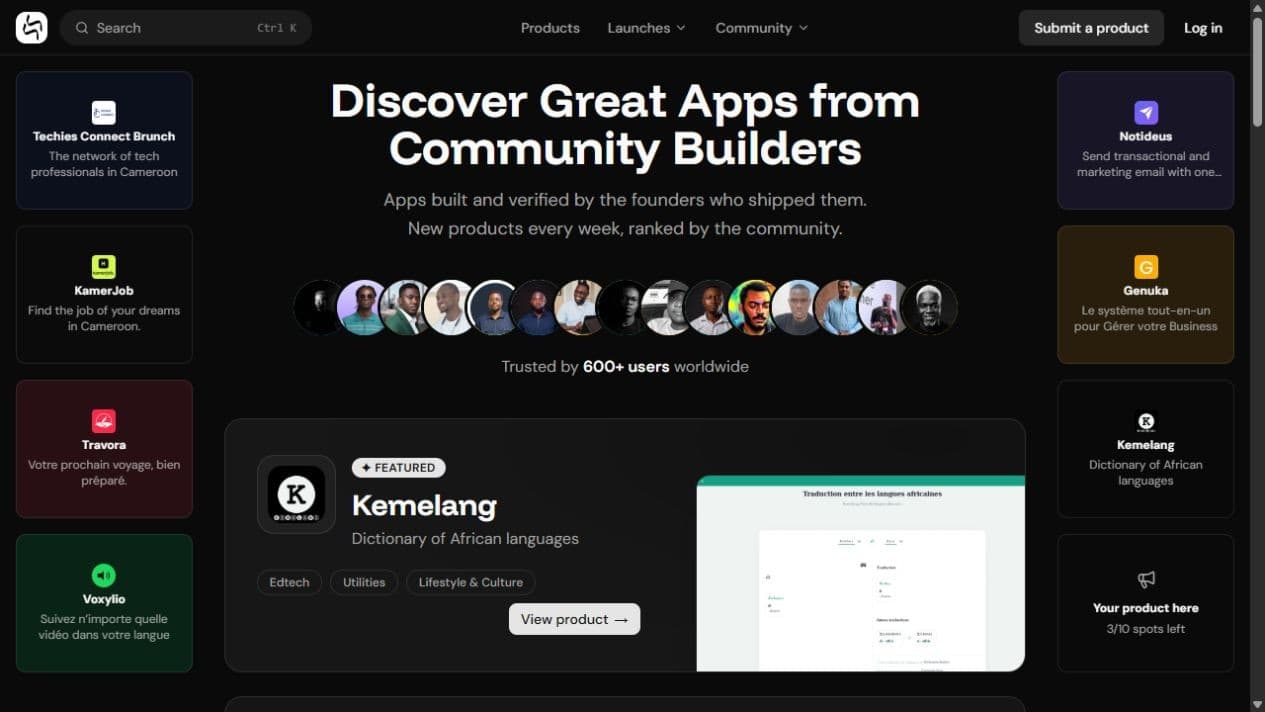
Builderswave homepage, captured on 18 October 2026. Listed products may change.
1. Decide what your launch should help you learn
Before writing your listing, choose an audience and a question. “Make my app known” is too broad to guide preparation. “Understand why small shop owners abandon their first inventory setup” gives you a clearer objective.
Fictional example: you are building StockClair, an inventory tool. Your launch objective could be to observe five shopkeepers completing their first task and record where they get stuck. This is a working target, not a promised result.
For your professional development, also decide what you want to demonstrate: deploying software, explaining a need, responding to feedback or maintaining a product. A public listing can enrich a portfolio, but it does not replace demonstrating your skills to a recruiter or client.
2. Make the product testable before presenting it
Visitors should understand the service and try its main workflow. Test the link on a phone, account creation, error messages and access to the promised feature. If part of the product remains in beta, explain its limitations.
For an API, prepare concise documentation and a usable example. For business software, use fictional demo data. For a paid tool, make clear what people can access before payment. Never expose actual customer data in screenshots.
Build a small demonstration around one task: “add a product and record a sale”, rather than a tour of every menu. A short video or a few annotated screenshots should make the outcome understandable.
3. Write the listing in your users’ language
On the homepage, Submit a product opens an initial step called About your product. It includes the product name, a tagline limited to 60 characters, an optional description, the website URL and categories. The form says the website will be checked during review and asks for at least one category.
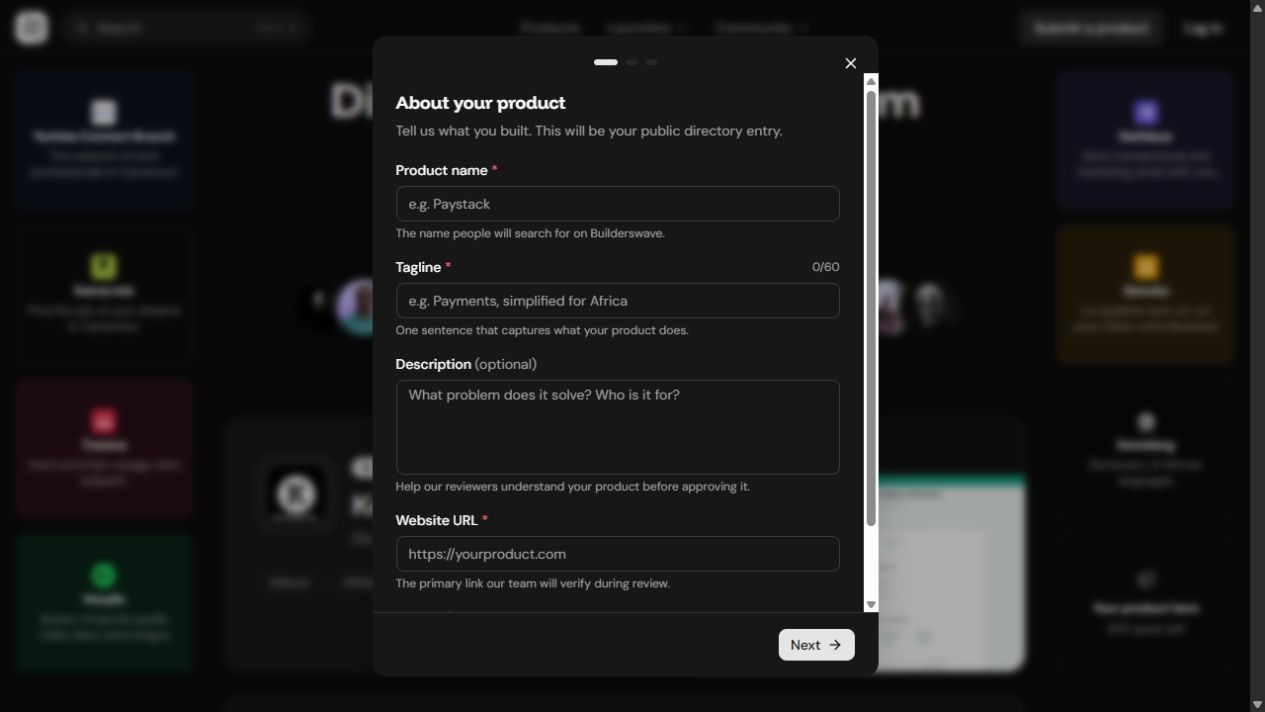
First step of the public submission form. Prepare this information before starting; subsequent steps depend on the available workflow.
A template for StockClair, a fictional product:
- Name: StockClair.
- Tagline: “Your shop’s stock, simply tracked.”
- Description: “For small shop owners still tracking stock on paper. StockClair records incoming goods and sales, then shows remaining quantities. The beta supports one shop. We are looking for feedback on the first inventory setup.”
- Website: a working link to your actual product.
- Categories: only those matching the functions you really provide.
Compare that tagline with “An innovative full-stack solution with scalable architecture”. The second mainly describes construction choices; it does not explain what users can accomplish. Start with the problem and outcome, then discuss technology where it helps people assess the product.
The Wajub listing illustrates this approach: it highlights accepting mobile money and card payments through an API. This is an example of describing a use case, not an independent assessment of performance.
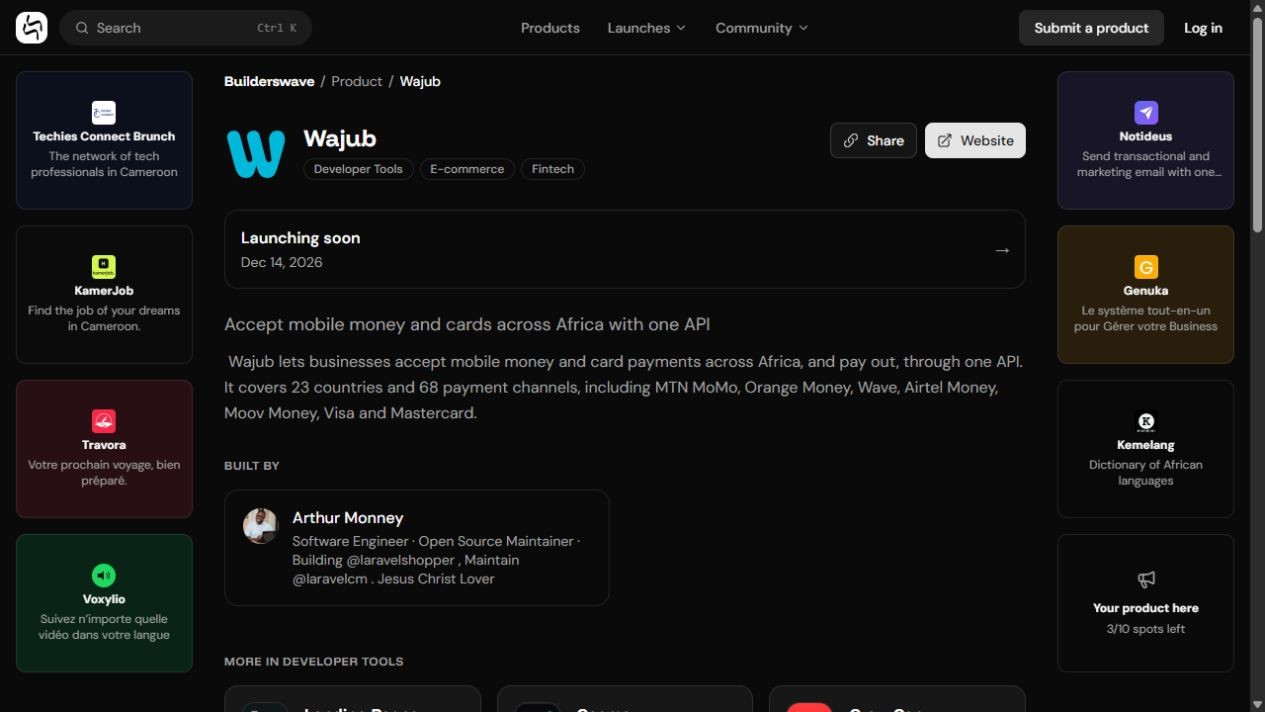
A product listing connects a value proposition, website and identified builder.
4. Distinguish a product listing from a launch
A directory entry and participation in a launch serve different purposes. The Launching now page displays launches and the Launch your app button. During our review, that button required signing in. Confirm the available dates and options in your signed-in workflow before announcing a date.
The current page describes 14-day launches. Check the actual dates shown for your participation instead of planning around an old screenshot or article.
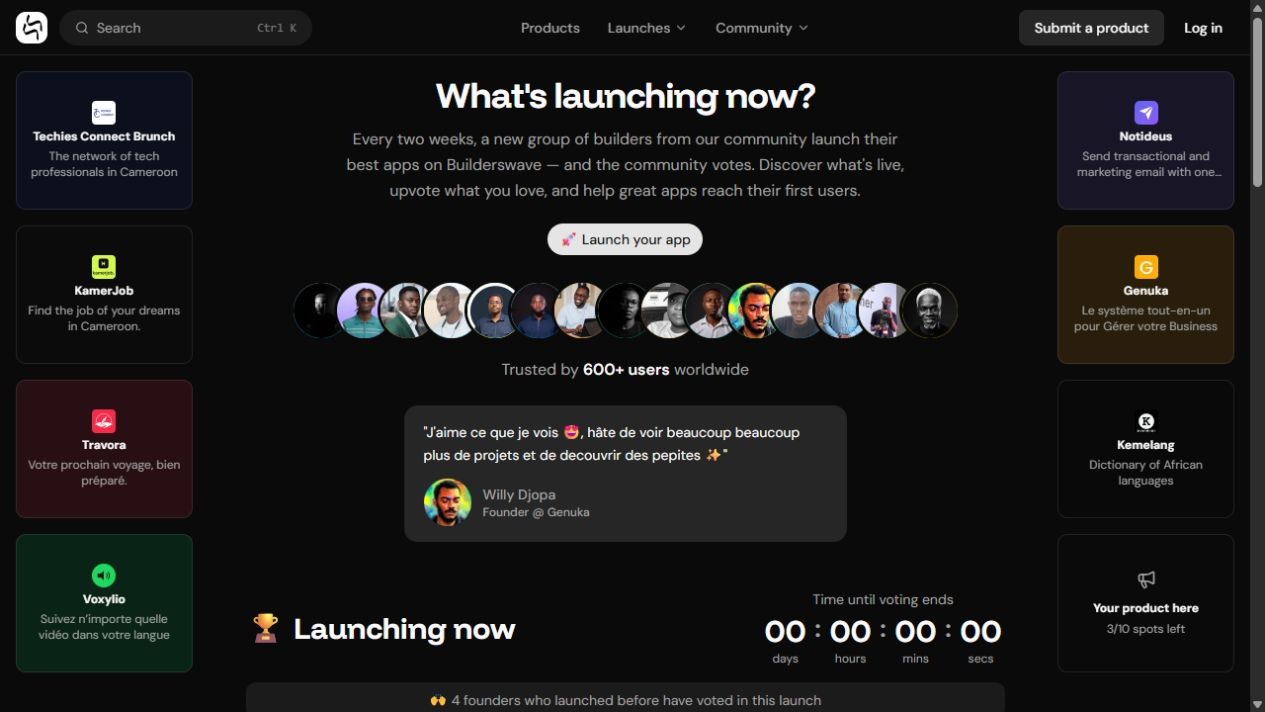
Launches page captured on 18 October 2026. The ranking is a snapshot at a particular moment.
The community rules require functional products built by African founders, teams based on the continent, or diaspora founders building specifically for African markets. Read them to check eligibility and participation conditions.
5. Prepare communication that invites people to try
Your launch message needs a reason to test the product and a question people can answer. Adapt it to the reader: a developer evaluating an API needs a different demonstration from a shopkeeper recording a first sale.
“We are launching [product] on Builderswave. It helps [audience] to [specific task]. Explore the demo here: [launch link]. Our question for this version: can you complete [first action] without help? Feedback on that step would be valuable.”
Share your link with genuinely interested communities and respect their rules. Set aside time to answer questions and fix blocking issues. Avoid sending unsolicited private messages in bulk.
Builderswave permits genuine community mobilisation but prohibits incentives for votes, vote exchanges and artificial amplification. Founders and direct collaborators must not vote for their own product. Present your work and request honest feedback without tying a discount or access to a vote.
6. Turn feedback into professional decisions
A launch page can bring together a demonstration, screenshots, comments, the builder and a technology stack. The gestock+ launch page provides an example. Its product claims come from the builder; they are not independent proof of profitability.
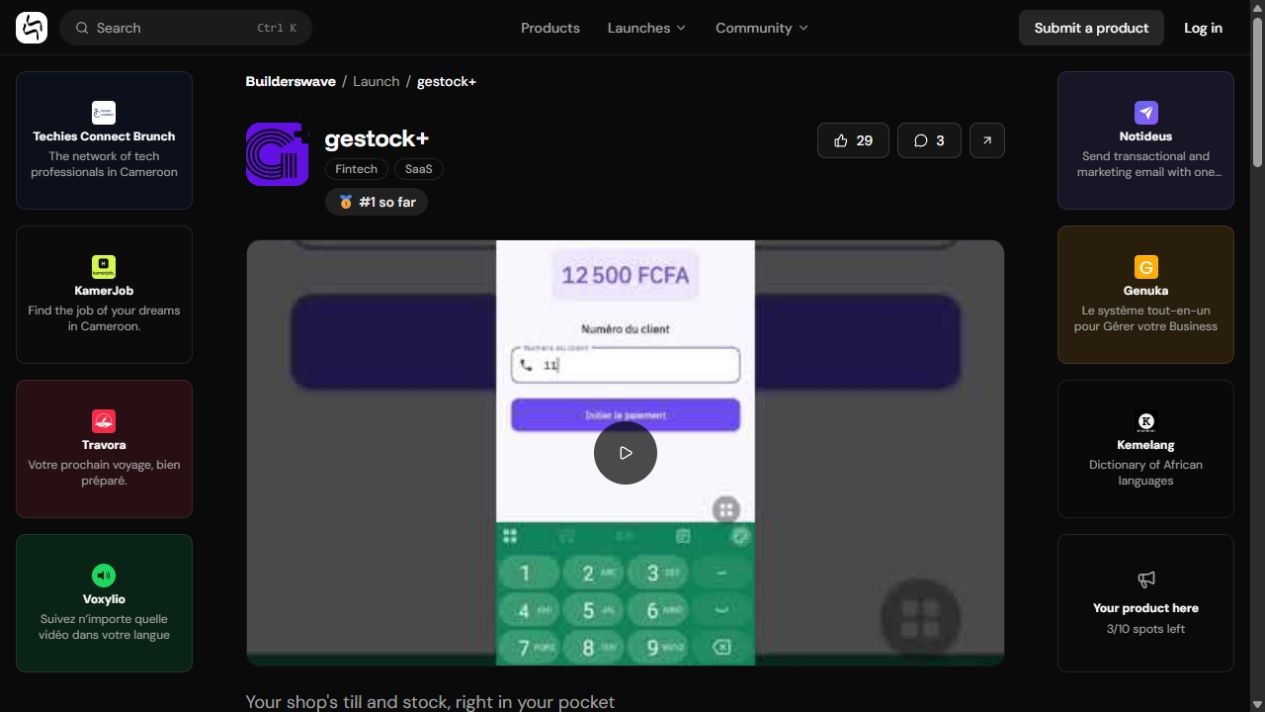
Example launch page. A demonstration helps visitors go beyond the tagline.
Group feedback into three types: an unclear promise, a usability problem or a new request. Ask specific questions. “Which step stopped you?” is more useful than defending a technical choice.
Fictional example: three visitors cannot find the button for creating a first inventory. Your next action could be to clarify that button and test again. A single request for a complex feature deserves more investigation before committing several weeks of development.
If someone wants to go further, ask for a conversation with their agreement: “Would you be willing to spend fifteen minutes showing me your current process?” For a B2B opportunity, clarify the scope of a possible trial, the contact person and the next step. An enthusiastic comment is not an order.
7. Measure what happens after the visit
Prepare your own tracking on the product website: launch referrals, account creation, successful first actions, observed problems and later return visits. These measures belong in your own tools; do not assume a Builderswave dashboard supplies all of them.
Fictional example: 80 visits, 12 registrations and four people completing the main action. Those figures alone do not prove a market. They suggest investigating what prevents people from moving from registration to use. Compare defined periods and exclude your own tests from customer activity.
Votes may bring visibility. To assess a business, also examine actual usage, repeat feedback and real commercial conversations. For your portfolio, record what you built, learnt and improved using accurate results.
Your preparation plan
- Before submitting: choose your audience, test the main workflow and write a clear promise.
- Before launching: check the listing, demonstration, rules and dates available in your account.
- During the launch: share with relevant people, answer questions and record obstacles.
- Afterwards: fix one priority issue and publish an honest account of what you learnt.
You do not need to wait for a perfect application. You need a working product, an understandable use case and time to listen. Start by exploring Builderswave, then prepare a listing that helps a stranger understand why your product deserves a try.
Builderswave
Based on public pages reviewed on 18 October 2026. StockClair and the tracking figures are fictional examples. Screenshots show the observed interface, not guaranteed results. The signed-in scheduling workflow was not inspected.
Comments
Loading comments…