Creating business videos with your phone

A phone can be enough to produce a useful business video: presenting an item, explaining a service or answering a common question. Quality also depends on the message, sound, stability and accurate information. Before buying equipment, plan a small shoot you can carry out well.
This guide offers an accessible method for beginners and content creators in Cameroon. The shop scenario is fictional and intended as an exercise, without promising views or sales.
1. Clarify the brief before filming
Ask who the video is for, what it should explain, where it will appear and which action viewers should take. Confirm the desired length, format, language, deadline, supplied materials and approver. A TikTok video and a horizontal presentation for an exhibition screen need different preparation.
Message to adapt: “To prepare the video, could you confirm the audience, main message, publication channel and deadline? Who will approve the script and final version? Do you need subtitles or another language version?”
Check prices, opening hours, contact details and product availability with the person responsible. Agree on revisions, delivery and intended use. Film only people and locations for which you have the necessary permission. Keep customer documents and screens containing private information out of shot.
2. Prepare your phone and filming space
Clean the lens, charge the battery and free up storage. Record a short test and listen back: is the subject sharp and the voice understandable? Reduce interruptions while remaining reachable if the shoot requires it.
- Light: place the subject near soft light, such as facing a window. Avoid a very bright window directly behind them.
- Sound: choose a quiet location and bring the phone closer without compromising the framing. Test any microphone before recording.
- Stability: use a secure support or hold the phone with both hands. Do not place equipment where it could fall.
- Framing: keep the product and face visible and check the background. Frame vertically from the start for a vertical video.
For TikTok, official creative guidance highlights vertical content and keeping key elements visible despite the interface. Leave space around text and check the preview on the intended channel.
3. Write a simple scenario: question, demonstration, action
Choose one message. Other points can become future videos. Prepare a shot list rather than improvising the entire sequence.
Fictional exercise: a shop presents a bag.
Objective: help customers understand what fits inside. Audience: people looking for a bag for everyday travel. Suggested format: a short vertical demonstration of about thirty seconds, adapted to the brief.
- Opening: show the bag and ask “What can you carry in this model?”.
- Overview: film the product against an uncluttered background.
- Detail: show the opening and pockets without sudden movements.
- Demonstration: place actual objects inside without exaggerating capacity.
- Closing: explain how to check colours and availability, after the shop approves the information.
Suggested lengths are planning aids, not a performance formula. If someone speaks, give them one short idea at a time and record several takes. Leave a little time before and after each action to make editing easier.
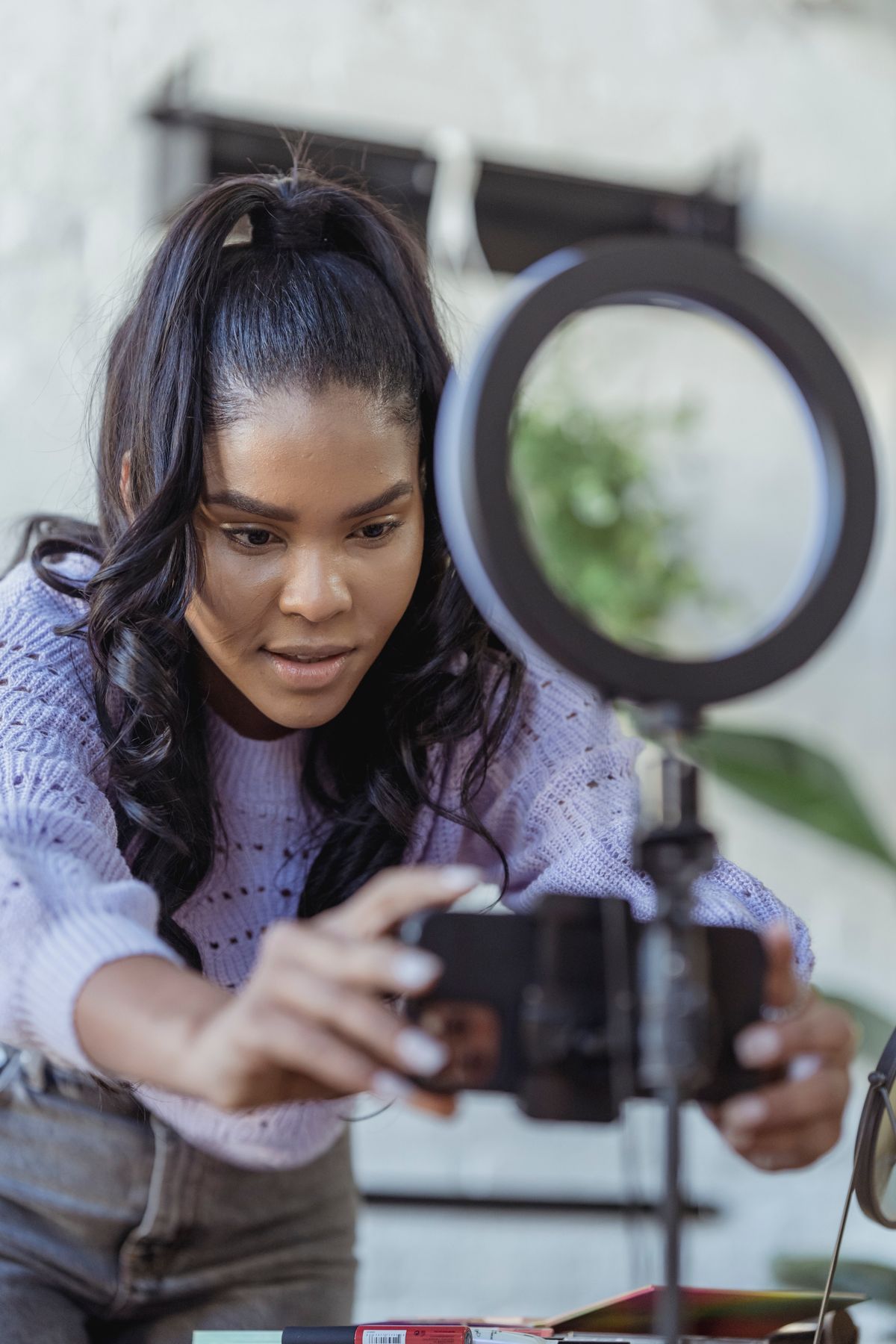
Testing framing and sound helps catch problems before the shoot is over. Illustrative photo: George Milton / Pexels.
4. Edit for clarity
In an editing tool you know, select useful takes, remove hesitations and maintain a clear sequence. Simple transitions are enough. Check that viewers can understand the video without reading a long paragraph on screen.
Add subtitles where they improve understanding. Proofread automatic transcripts, especially names, prices, locations and local expressions. Use readable, sufficiently contrasted text. Check speech through the phone speaker as well as headphones.
For commercial TikTok content, consult the Commercial Music Library recommended by TikTok and the usage conditions. Music authorised for one channel is not automatically authorised for another. Original speech without music may also work well.
Export in the agreed format and watch the exported file from start to finish. Check for black frames, cropped text, incorrect prices and quiet audio. Keep a copy of the project and useful source files in an organised folder.
5. Deliver an identifiable version and obtain approval
Name the file clearly, for example Shop_Bag_Vertical_V1.mp4. Send it through the agreed channel without unnecessarily reducing quality. Test the link and access permissions. Do not publish a work-in-progress version on the business account without approval.
Delivery message: “Hello [name], here is V1 of the [topic] video in [format]. Could you check the message, contact details and product information? Please consolidate your feedback by [agreed deadline]. Publication is awaiting your approval.”

Clear approval distinguishes a working version from the file ready for publication. Illustrative photo: Christina Morillo / Pexels.
Final checklist: objective met, audible sound, stable framing, proofread subtitles, confirmed information, permissions checked and correct file delivered. After publication, review feedback relevant to the objective without promising commercial results.
For your portfolio, describe your contribution and show the result only with the necessary agreement. Our TikTok creator skills guide includes examples of Kamerjob vacancies. You can then compare your work with duties in content creation and video editing listings.
Official TikTok sources consulted on 18 October 2026 and linked above. Photos: George Milton / Pexels (cover and filming) and Christina Morillo / Pexels. Illustrative photographs; the people pictured are not presented as Kamerjob employees.
The Kamerjob team
Comments
Loading comments…